Adding a Service Note
What are Service Notes?
Service Notes can relay important information about what a client should or should not do prior to coming in for the service, and should be communicated to the client by the booking employee. Services Notes can be configured to automatically pop-up in the Appointment Editor when that service is selected, on check-in of this service, or when this service is pulled into the register.
You can select one, two, or all three checkboxes for any given note, but you can only use each option once across all notes. For multi-location businesses, locations cannot override Central Office services notes and configurations.
To add a service note
Note: Locations can add one note to a Central Office-owned service. In that case, both the CO note and local note will appear to the location.
- From the service definition, select the Notes tab.
- Select Add New.
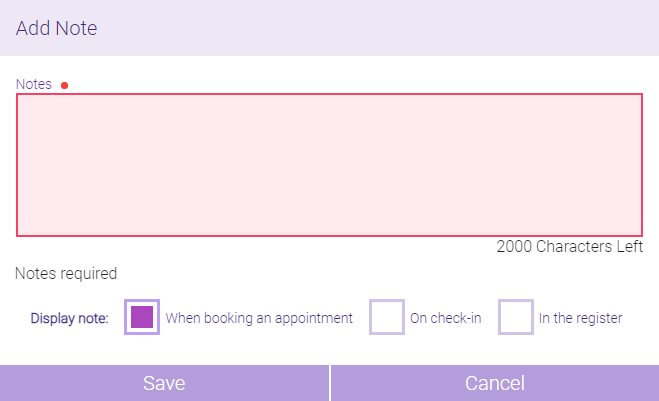
- In the Notes field of the Add Note window, enter details about the service.
- Beside Display Note, choose when the note should be displayed in Meevo: When booking an appointment, On check-in, or In the register.
- Select Save to save the new service note to the service definition.