Viewing or Editing Scheduled Exports
From Royalty Export
- Go to Meevo > Management > Royalty Export Settings.
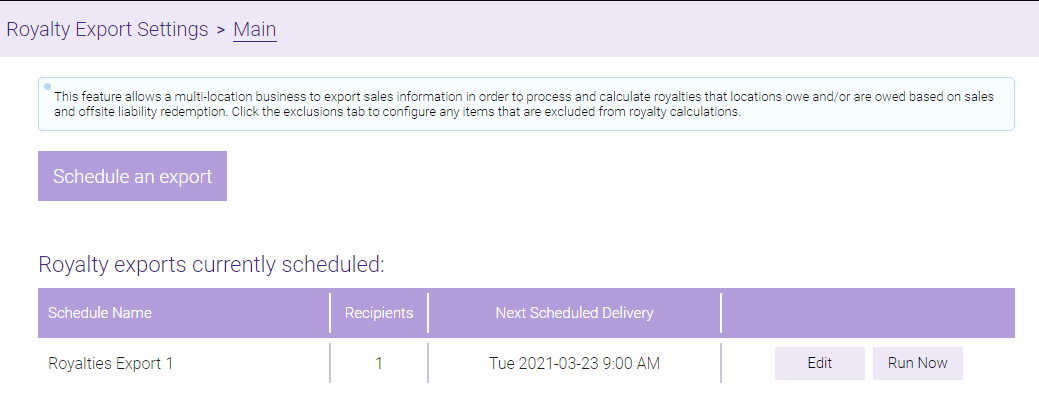
- From the Main tab, you can view or edit scheduled exports from the Royalty exports currently scheduled table. You can also select Run Now to immediately run a custom export.
From Report Scheduler
- To view which exports you have scheduled and when they are scheduled to be delivered next, type reportscheduler into the Convobar, or go to Meevo > Management > Report Scheduler.
- Enter search criteria or simply select Search to view a list of all active report schedules.
- The results list the Report Name, Schedule Name, number of Recipients, and the Next Scheduled Delivery. CORE exports will have CORE as the Report Name.

- Select the export and select Edit to modify the scheduled export settings. Make sure to select Save when finished.