Viewing Clients by Client Type
Only Central Office can create or edit a Client Type. From a location, you can view all clients who are assigned to a specific Client Type.
- To get to Clients, type client into the Convobar, or go to Meevo > Data > Clients.
- In the search form, select Advanced Search.
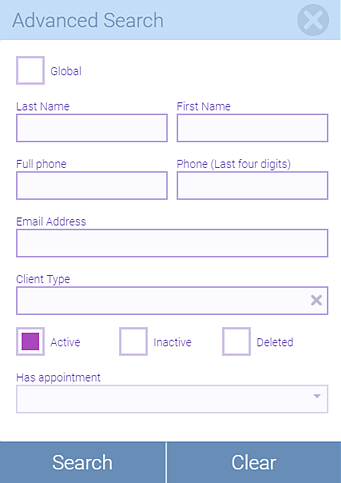
- Select a Client Type and enter any other information to narrow your search.
- Select Search. Meevo displays a list of all clients who match the search criteria, including the Client Types.