SalonConnect: Hours, Call Us, and Directions
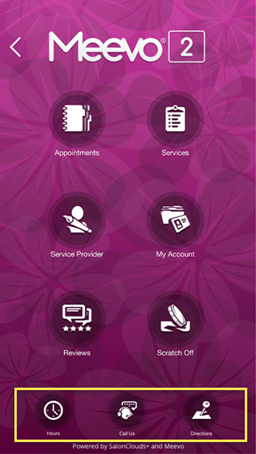
Hours
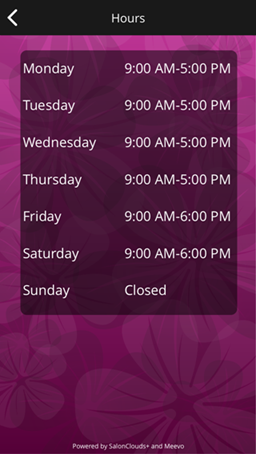
Clients can select Hours to view your business hours. These hours are taken directly from the Business Hours section of Business Information > Main. If you change your hours in Business Information, the change is reflected immediately in the Salon Connect app.
Call Us
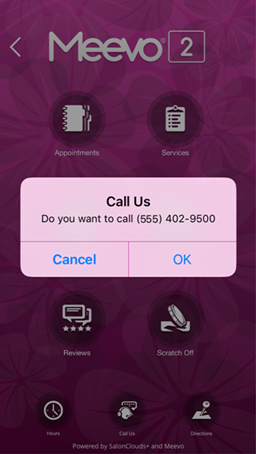
Clients can select Call Us to call the business directly from the device. The number that appears here is taken directly from the Phone Number field of Business Information > Main. If you change your number in Business Information, the change is reflected immediately in the SalonConnect app.
Directions
Clients can select Directions to display a map of the business location. When selected, the client device's default map displays the business location according to the address fields in Business Information > Main. If you change your address in Business Information, the change is reflected immediately in the Salon Connect app.
For this to work, your full business address must be in Meevo, and the client's device must have Location Services turned on.