SalonConnect: Services and Service Providers
Clients can view the available services and service providers via these menus. These menus are informational only, so clients can view the services and service providers a location offers before logging in.
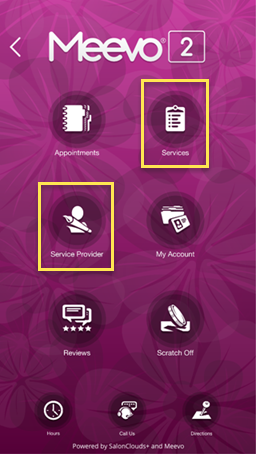
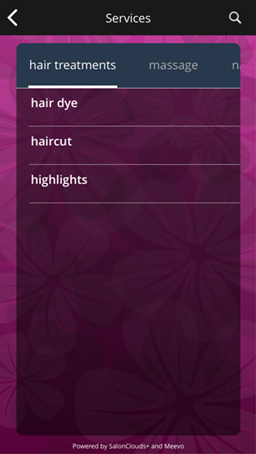
Services
Clients can scroll through the available service categories and view each category's service and long description (according to the service definition).
For a service to appear in this list, it must be Active, and must have Bookable online selected in the service definition.
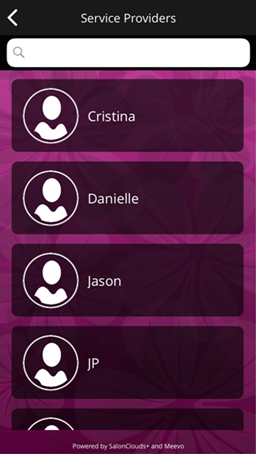
Service Providers
Clients can view available Service Providers and, when selecting a Service Provider from this screen, view the employee bio (if any) and the provider's average 5 Star Rating.
For a service provider to appear in this list, the provider must be active, and the person must be an employee (Is employee is selected in the employee profile).
Also note that during the appointment booking process, employee-specific prices (if they've been set up) appear in the app. Otherwise, the app displays the default service prices.