Emailing or Exporting a Review in OPM
To email a review
- In OPM, go to Reputation Management and select the Monitoring tab.
- Locate the review you want to email.
- Select Email from the drop-down next to the review, or from the More Actions drop-down at the top of the table.
- A pop-up window appears with the email options.
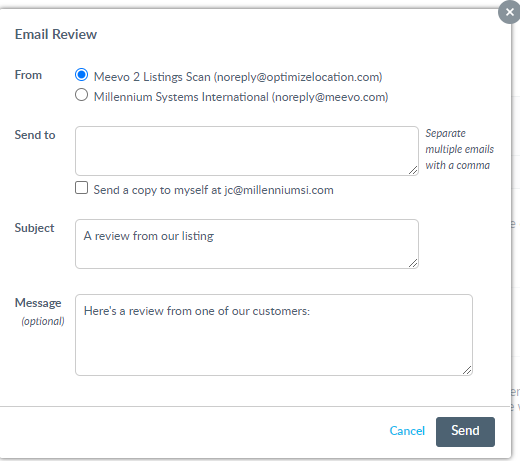
- When finished filling out the form, click Send.
To export a review
- Go to Marketing > Reputation Management and select the Monitoring tab.
- Locate the review you want to export.
- Select the checkboxes for the reviews you would like to export. Otherwise, all reviews will be exported by default.
- Select Export from the More Actions drop-down (shown below).
- Select the file format for the exported reviews.
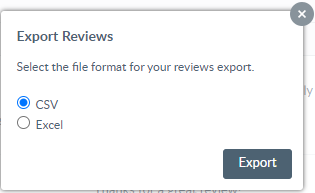
- Select Export to automatically begin downloading the reviews in your chosen file format. Note that the full text for Yelp reviews will not be included in the export.