Breaking Out and Breaking In
- Type timeclock into the Convobar, or go to Meevo > Schedules > Time Clock.
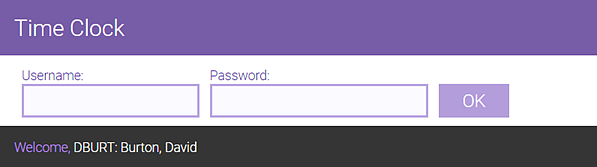
- Enter your username and password to log into the Time Clock and select OK. A welcome message appears below the login fields.
- Select Break Out to begin your break, or Break In to end your break. The break out or break in time appears in the right pane. You cannot select an action twice in a row, which is why the button darkens after it's selected.
- As a best practice and for security reasons, select Log Out when finished so that the next employee can log in and enter their time clock events.
