Exporting (Sharing) Analytics Dashboards
You can share an analytics dashboard in the following ways:
- Download a PDF: This downloads a PDF locally to your system.
- Email the dashboard one time (for details on setting up recurring email notifications, see Creating Analytics Email Notifications)
- Share a link to the PDF: This hosts the PDF on a URL that updates dynamically as you make changes to the dashboard. Recipients of the URL do not need a Meevo account to view that information.
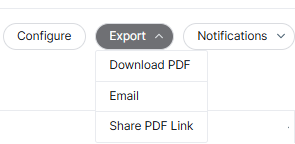
To begin, while viewing the dashboard, select Export in the top-right of the page.
To download a PDF of the dashboard
From the Export menu, select Download PDF. The PDF is rendered and downloaded automatically. Most browsers display the file icon at the bottom once download is complete.
To email the dashboard
- From the Export menu, select Email. The Share window appears.
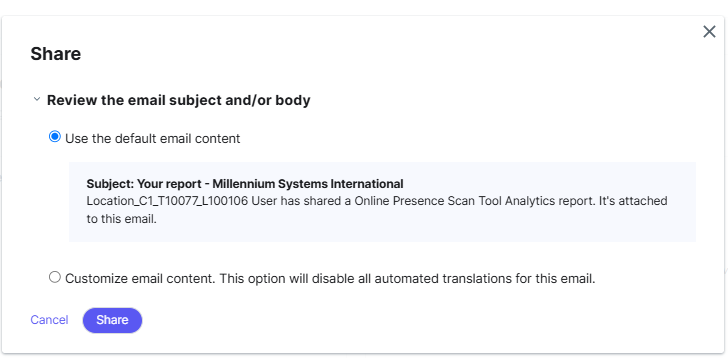
- Choose the email subject and body:
- Use the default email content: Uses the Online Presence Management default subject and body as it appears below the option.
- Customize email content: Allows you to customize the content of the subject and body.
To share a link to the dashboard PDF
From the Export menu, select Share PDF Link. When the PDF is finished generating, a URL will appear in the window. Select Copy Link to copy that URL and paste it into your desired application.