Getting Started with your ADP Integration
Be sure to review our FAQs for ADP RUN and WFN or Wisely for important information before enabling your desired ADP integration.
- From the MeevoXchange, purchase the ADP integration by selecting the appropriate tile under Integrations.
- RUN Powered by ADP is a platform designed for single locations, usually with 50 employees or less.
- ADP WFN is a platform designed for multi-locations and in some cases, larger single locations.
- Wisely by ADP is designed for either single or multi-locations (anyone looking to streamline the tip payout process).
- Wait for your order to complete. The integration tile will not appear in Meevo until the order is finished processing, which can take up to 20 minutes.
Tip: Check back in the MeevoXchange every 5 minutes or so and select any tile. If your order is still processing, an "order in progress" message will appear. If no message appears, the order is complete, and you can proceed to the next step.
- Once your order is finished processing, log out of and back into Meevo.
- Under the Meevo Integration tab, verify that you can see the ADP Integration, ADP WFN Integration, or ADP Wisely Integration tile.
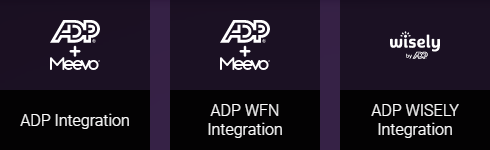
- You are now ready to set up your ADP integration!
Next steps after adding the integration
Someone from our Meevo Business Support team will be reaching out to assist you with setup. You can also contact us directly at (973) 402-8801.
In the meantime, you can review the applicable articles below for details on how you'll connect Meevo to your ADP platform.